Join our Discord
 📌
Requerimentos: FiveM
Tamanho: 25,39 MB
Suporte: Sim
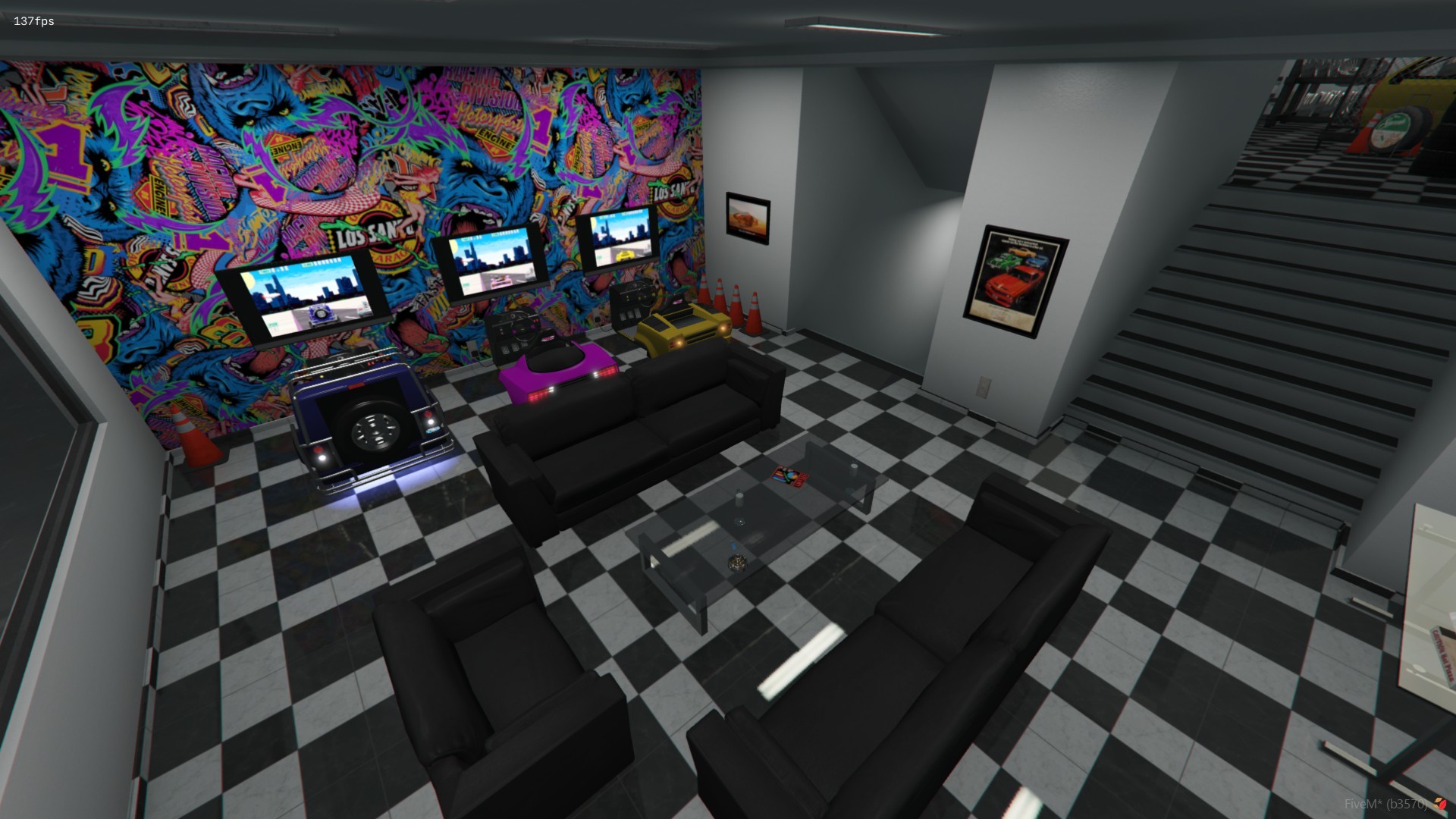
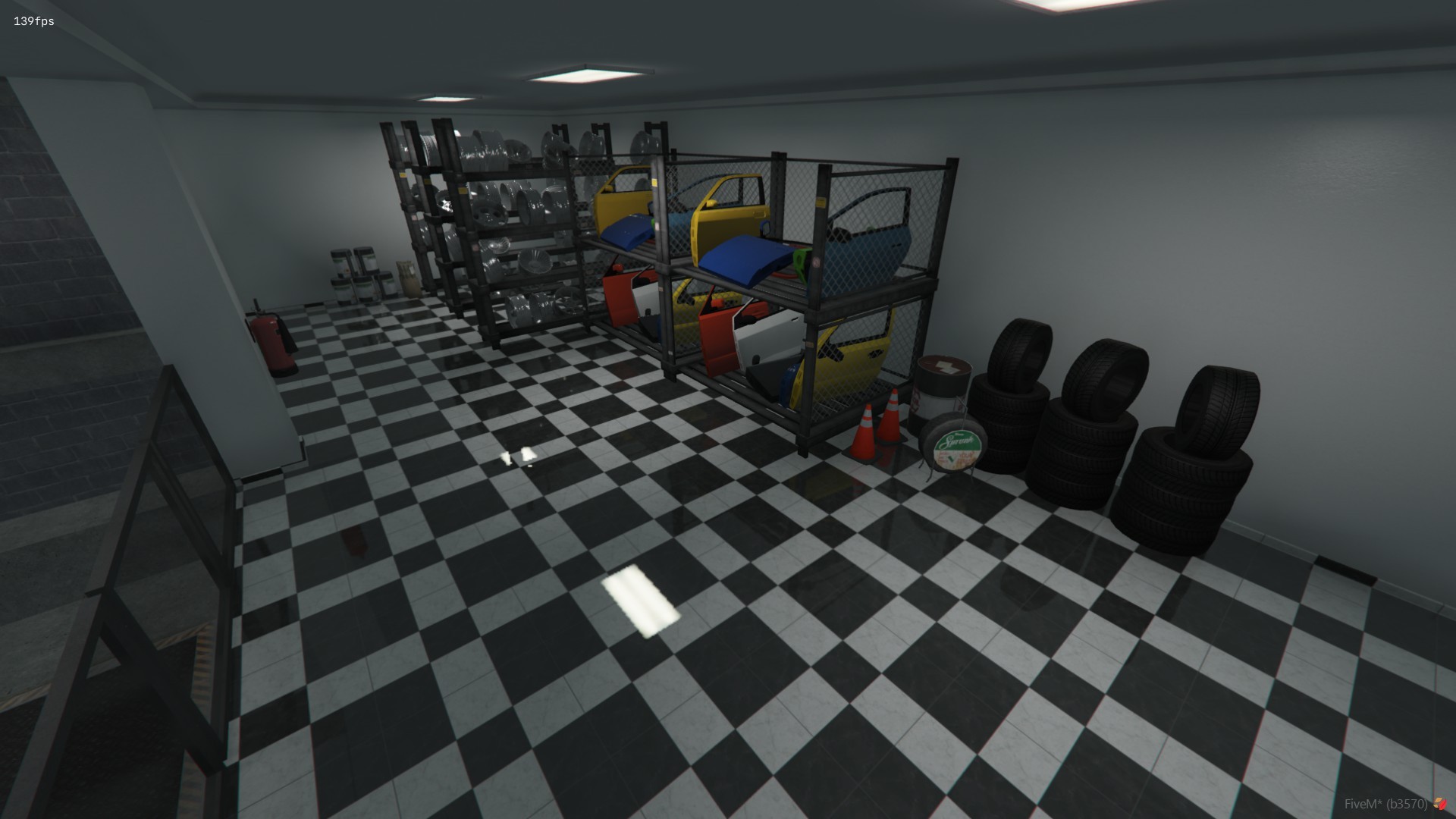
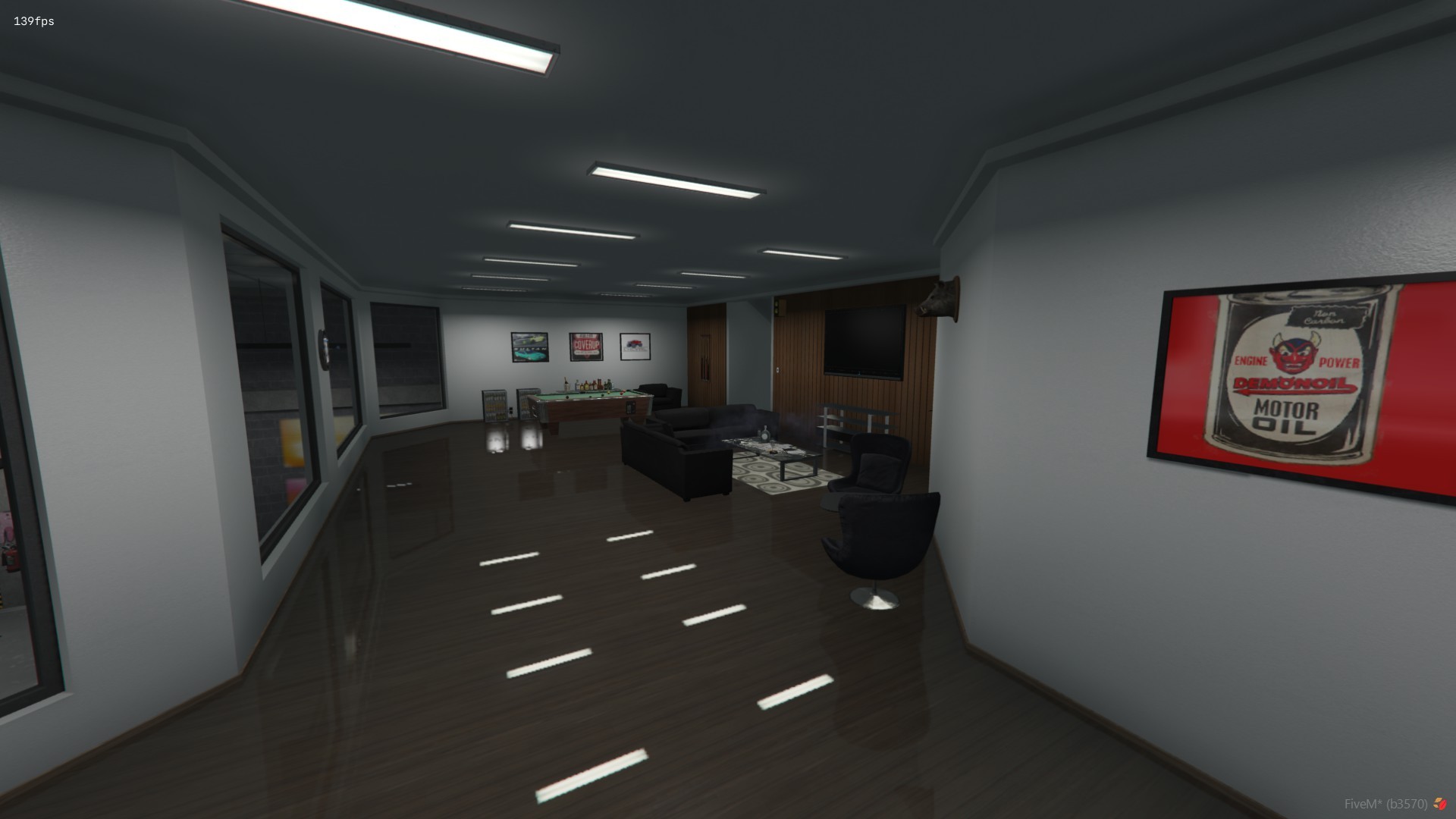
MLO leve (muito otimizado)
Localização: { 823.2939, -999.062, 26.1372, 355.4992 }

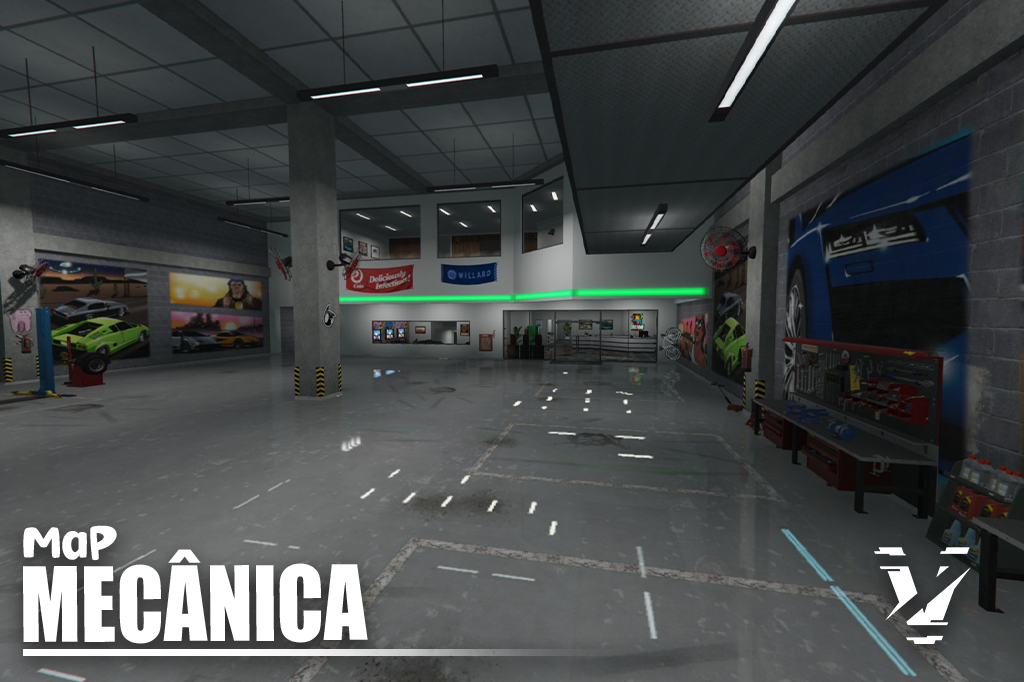
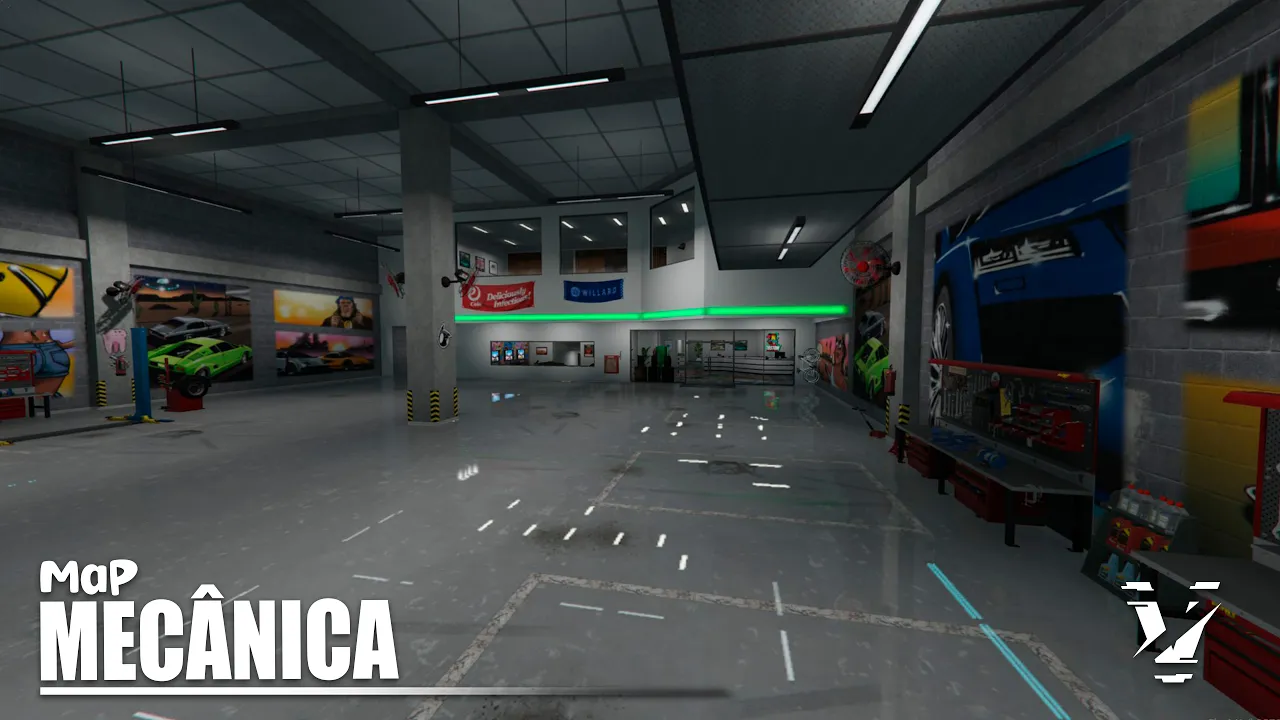
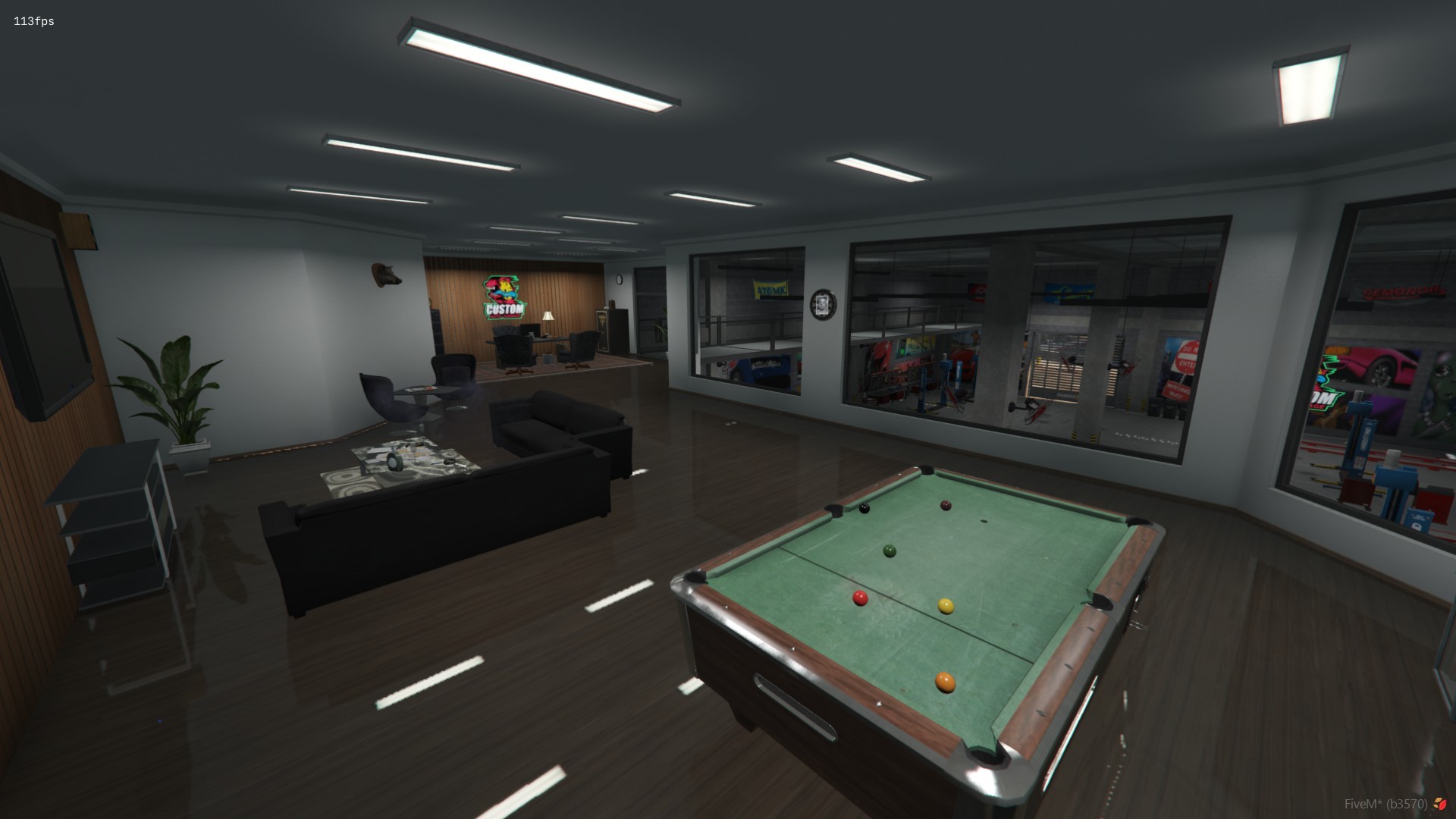
Este MLO de mecânica conta com 7 opções de logos diferentes que podem ser
alteradas facilmente via IPL, sem a necessidade de editar texturas ou abrir programas 3D.
Para escolher a logo desejada e definir a cor do ambiente, abra o arquivo
vzn_mec_ipl\vzn_mec_ipl.lua e configure seguindo o exemplo abaixo:

Remova os '--' apenas da linha que quer usar

------------- Custom_Garage -------------
    -- 1. Carrega o YMAP externo que você criou
    RequestIpl("vzn_meca_logo_01")
    --RequestIpl("vzn_meca_logo_02")
    --RequestIpl("vzn_meca_logo_03")
    --RequestIpl("vzn_meca_logo_04")
    --RequestIpl("vzn_meca_logo_05")
    --RequestIpl("vzn_meca_logo_06")
    --RequestIpl("vzn_meca_logo_07")

    -- 2. Carrega o Interior base do MLO
    RequestIpl("vagner_mec")
    local interiorid = GetInteriorAtCoords(817.4945, -955.9334, 28.88309)

    EnableInteriorProp(interiorid, "customgarage01")
    --EnableInteriorProp(interiorid, "customgarage02")
    --EnableInteriorProp(interiorid, "customgarage03")
    --EnableInteriorProp(interiorid, "customgarage04")
    --EnableInteriorProp(interiorid, "customgarage05")
    --EnableInteriorProp(interiorid, "customgarage06")
    --EnableInteriorProp(interiorid, "customgarage07")
    local color = 1-- a  7

    SetInteriorEntitySetColor(interiorid, "customgarage01", color)
    --SetInteriorEntitySetColor(interiorid, "customgarage02", color)
    --SetInteriorEntitySetColor(interiorid, "customgarage03", color)
    --SetInteriorEntitySetColor(interiorid, "customgarage04", color)
    --SetInteriorEntitySetColor(interiorid, "customgarage05", color)
    --SetInteriorEntitySetColor(interiorid, "customgarage06", color)
    --SetInteriorEntitySetColor(interiorid, "customgarage07", color)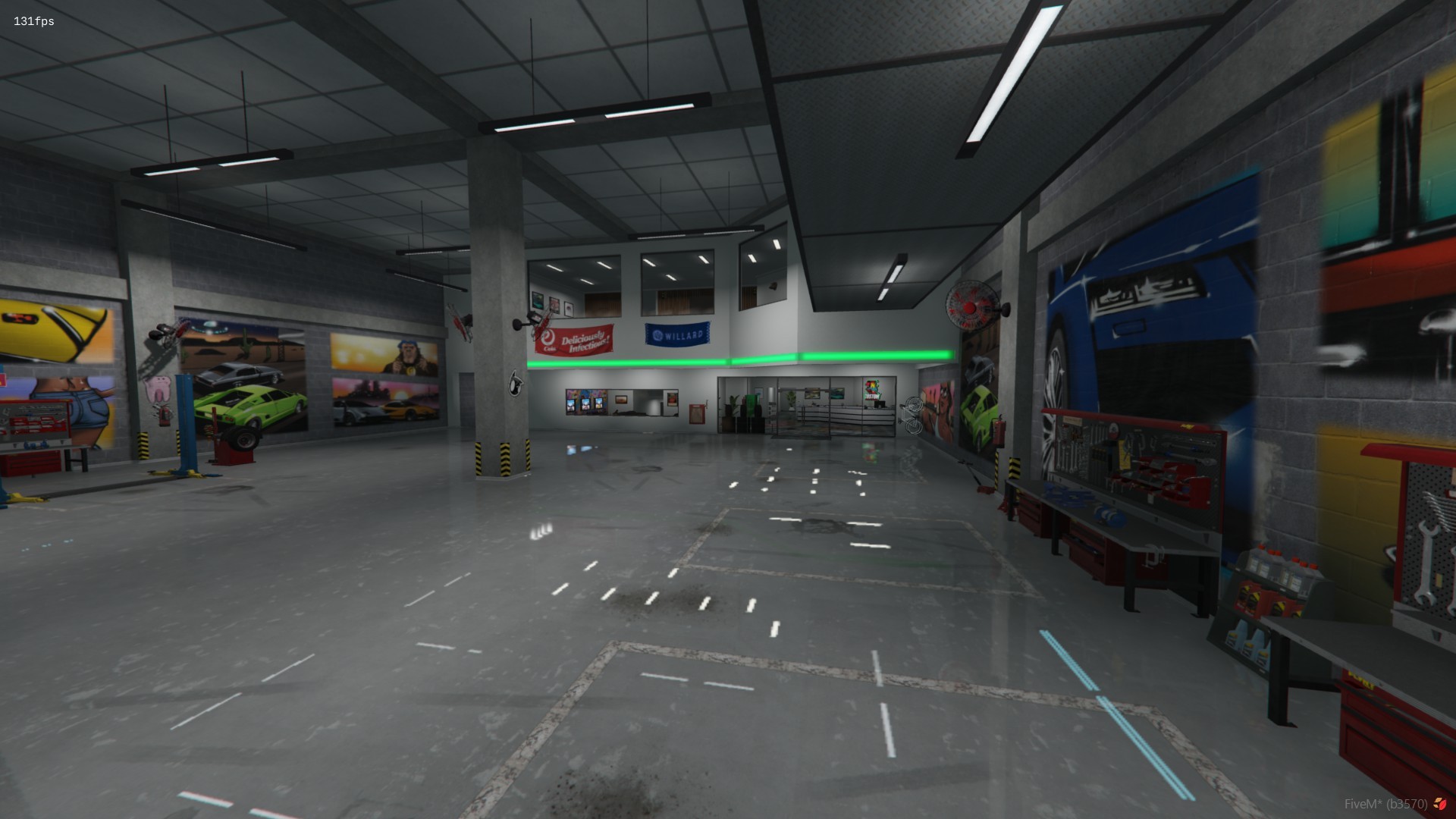
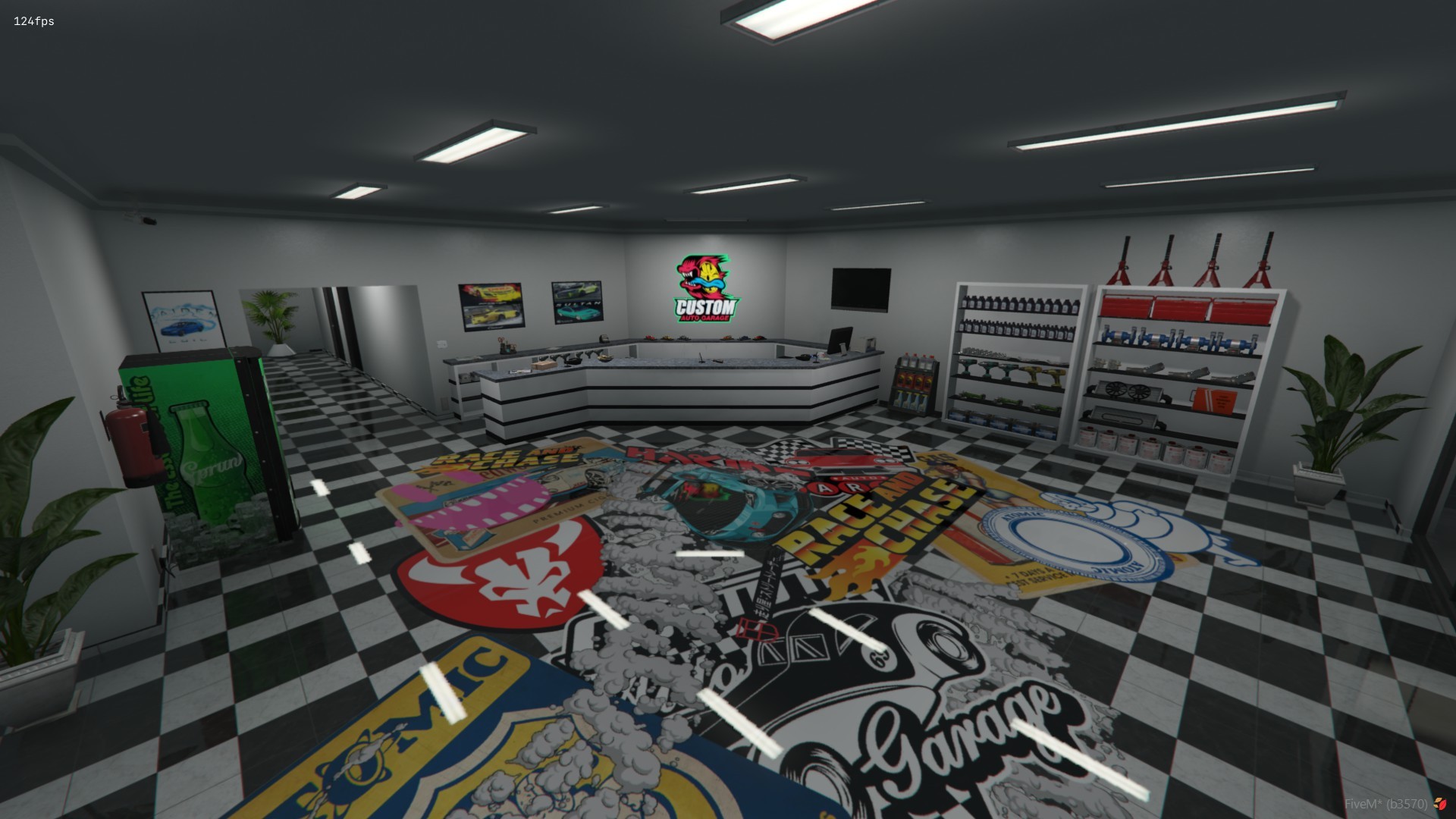
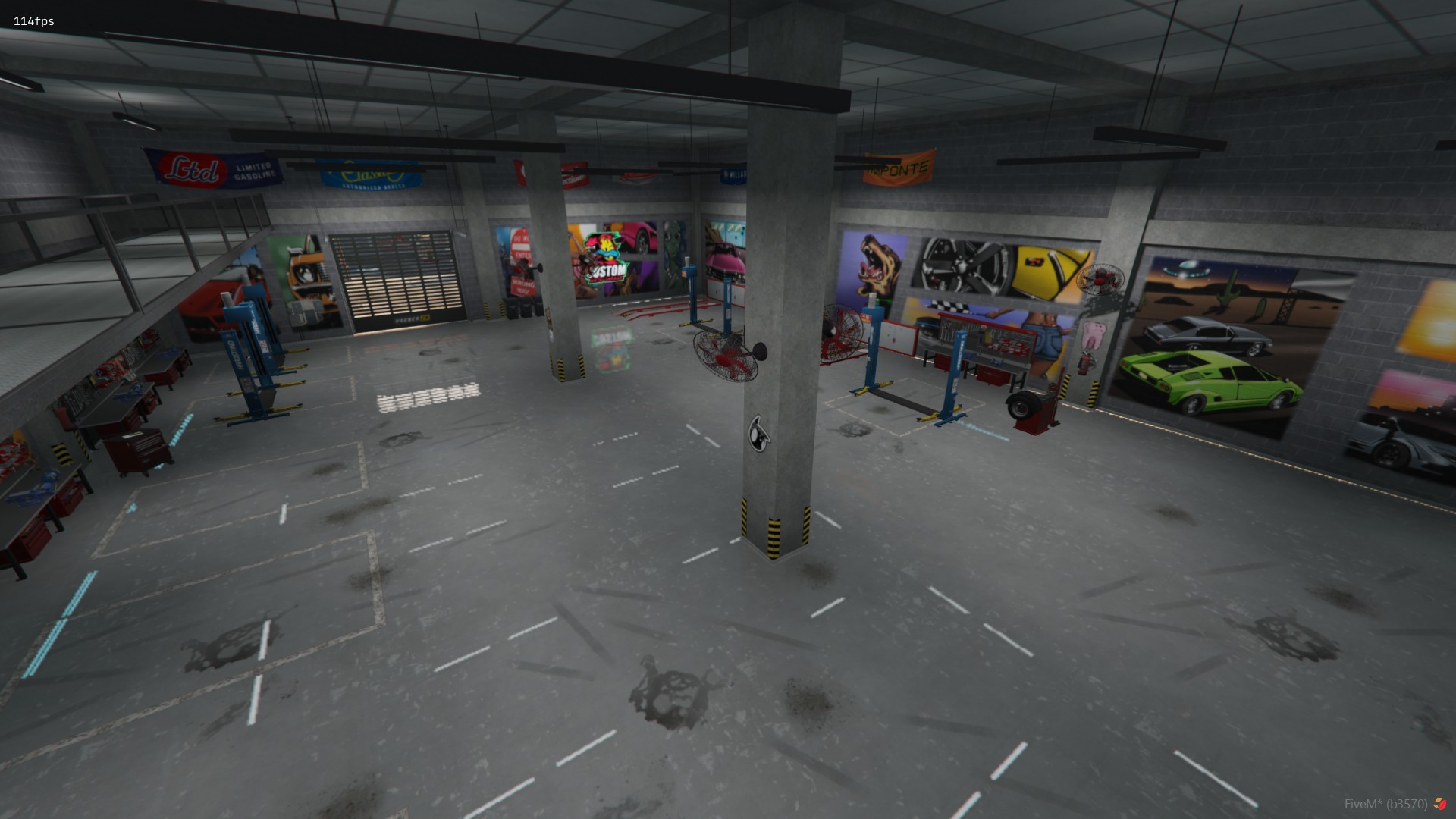
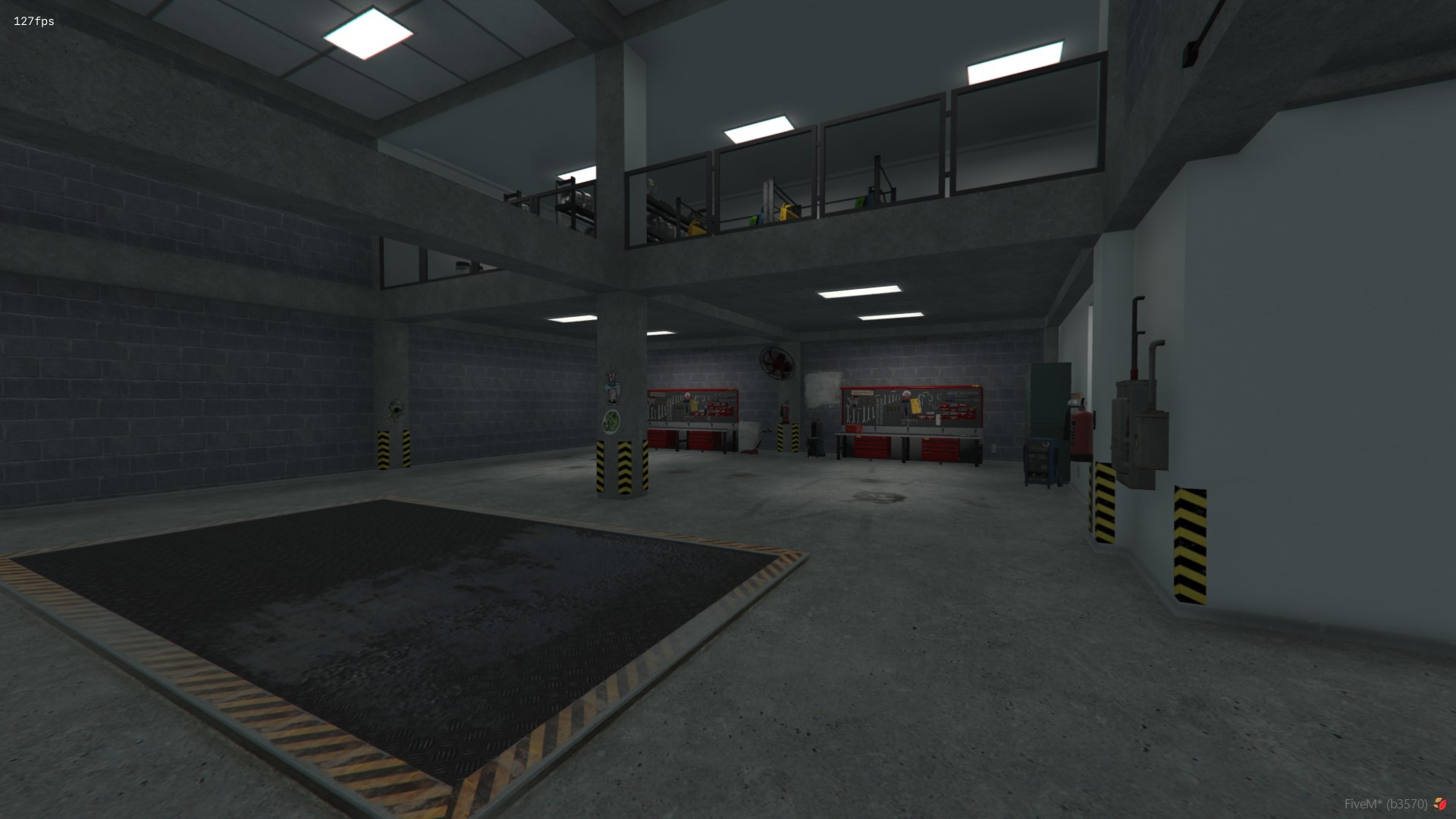
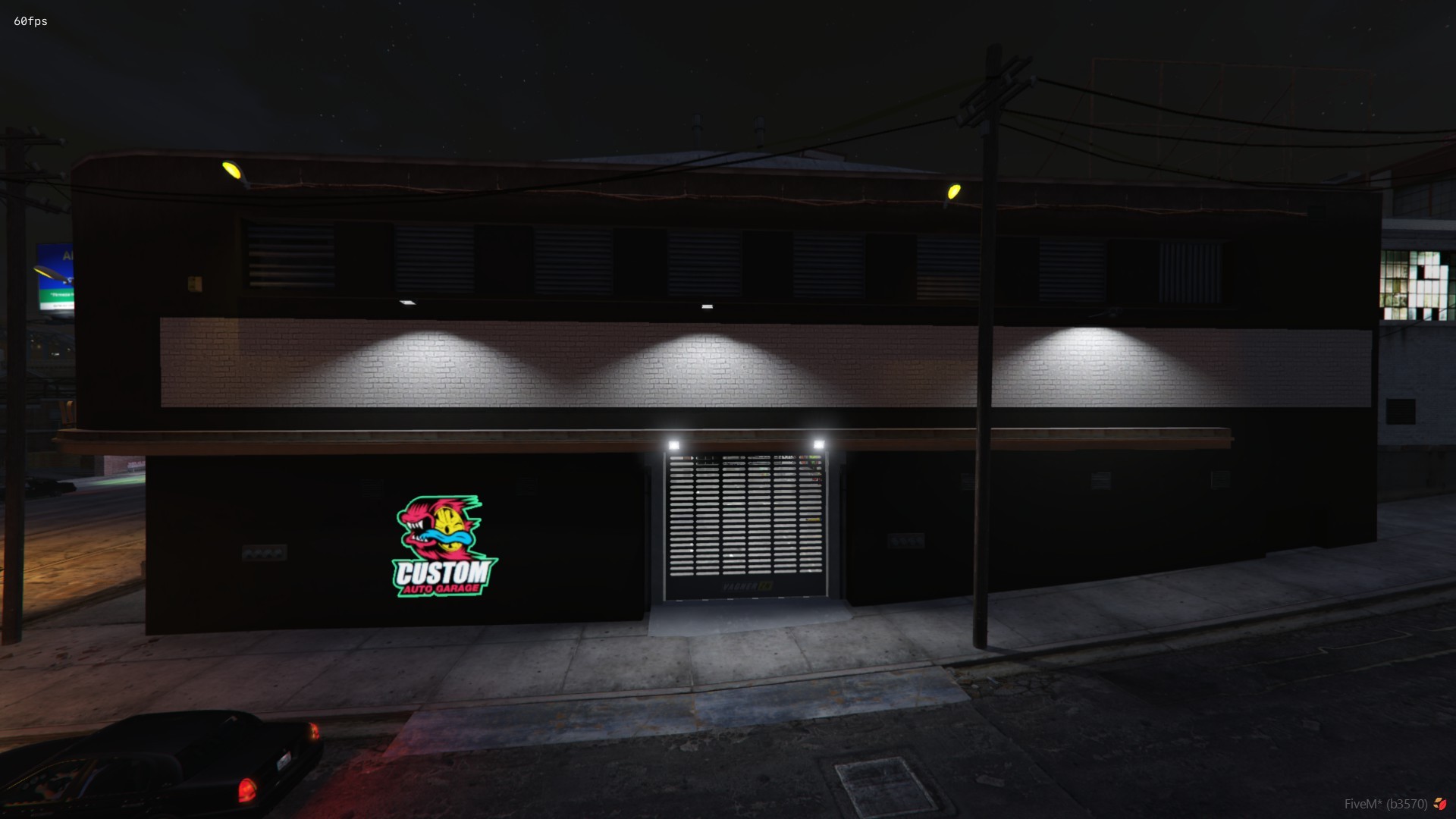
Logo 01

Logo 02

Logo 03

Logo 04

Logo 05

Logo 06

Logo 07